Pick-Path Optimizer
Pickers walk a lot. The Pick-Path Optimizer takes the open pick tasks of each released wave, places every bin on a map of the aisles, and calculates a shorter route: first the nearest next bin from dispatch, then it improves the route by swapping pairs of stops (2-opt). It shows the distance of the current order and of the optimised order. When you release the sequence, the picking screens and the PDA follow the new order.
Where: AI & Automation → Pick-Path Optimizer
When there is nothing to route
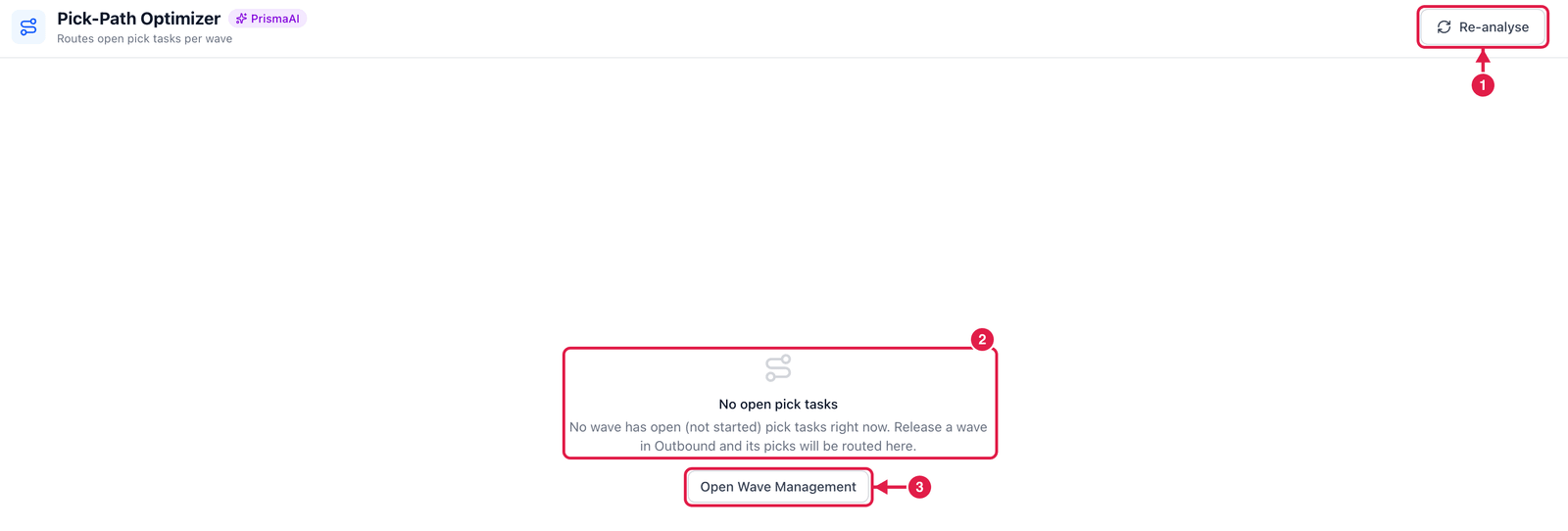
- Re-analyse — calculate again now.
- No open pick tasks — the optimizer only works on waves that have pick tasks that are not started yet. This is what you see when no such wave exists.
- Open Wave Management — go to Waves and release one.
When a wave has open picks
For each wave you see the route as a list of stops, the distance now and after optimisation, and the saving. Then you can:
- Simulate — see the route on the aisle map without changing anything;
- Release pick sequence — write the optimised order to the wave's open pick tasks;
- Assign — split the picks between pickers;
- Dismiss — keep the current order (with a reason).
Bin codes matter
The distance is estimated from the bins' aisle / bay / level / position. Keep these fields filled in Locations so the route is realistic.